Python Flask – Quick Start
Flask is a python framework to make it easier to handle client requests and create proper server responses. In it’s simplest form, Flask is a module that will enable your application to interact with a client via HTTP protocols.
To setup a flask application, let’s prepare a virtual environment – from the application directory:
pipenv shellThis will create a Pipfile, Pipfile.lock and a dot-folder .venv, and will activate the virtual environment.
pipenv install flaskWhich will install python Flask module.
For any practical purposes, the application will eventually be organized in a package, with a runner script, so let’s do that directly. We’ll create a package (directory) named myflaskapp, and a script run.py
mkdir myflaskapp
touch run.py
touch myflaskapp/__init__.py
This way we have a well-structured application.
# run.py
from myflaskapp import app

if __name__ == '__main__':
  app.run(host='0.0.0.0', port=80, debug=True)
Here we are importing the app object from our myflaskapp package (which will be defined in __init__.py, shortly) and run that app. We use host='0.0.0.0' to make our application accessible from any client, set the port to 80 and debug to True, so we can debug our application. This should be changed when in production, of course.
Note that on a Linux server, port 80 is not permitted for such processes, unless run by root, hence another non-root port might be used, such as the default 5000, or any other port.
# __init__.py
from flask import Flask

app = Flask(__name__)

app.config['SECRET_KEY'] = 'SOME SECRET KEY FOR YOUR APP'

@app.route('/')
def main():
  return '<h1>Hello from Flask!</h1>'
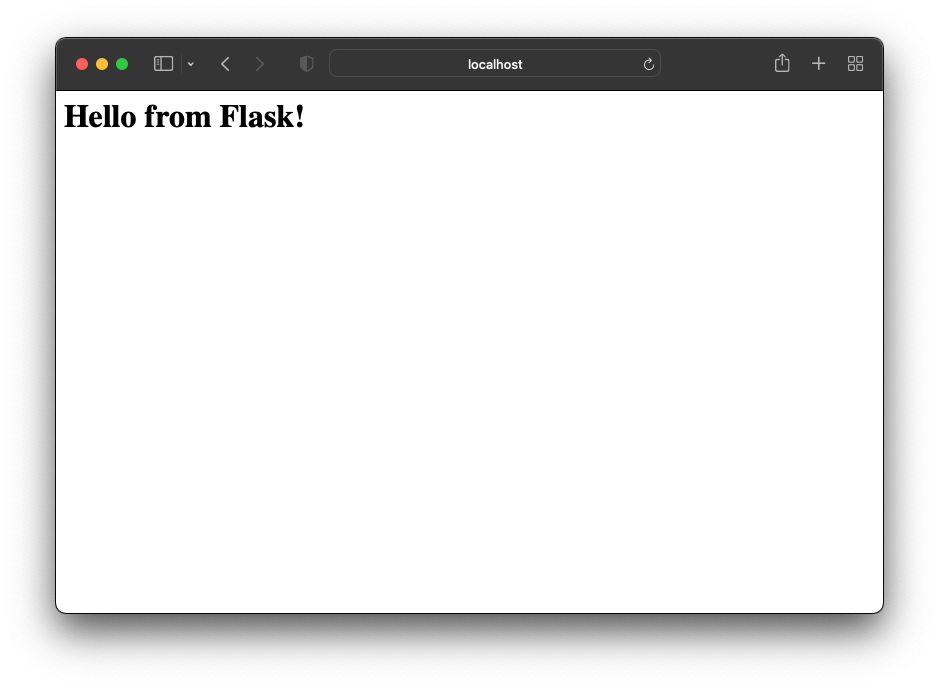
This will return phrase ‘Hello from Flask’ to any web client requesting our index page with a GET request.
@app.route() is used to define the end point requested, and the allowed methods. For example,
@app.route(‘/api’, methods=[‘POST’, ‘GET’])
Will respond to the endpoint api, whether it’s a POST request or a GET request. If the methods parameter is not used, it defaults to GET only. Flask will return a method not supported response on requests that are not within the defined methods.